A qualitative researcher runs a two-hour life-history interview in a community center, a focus group on Zoom the next morning, and a field visit where half the conversation is in Japanese. Three months later a reviewer asks for the exact wording of a key quote. The researcher needs the audio, and needs to know where that audio went.
Most “best AI note-taker” roundups grade summaries, integrations and how tidy the action items look. Researchers grade these tools on something else: how long one recording can run, whether the audio survives for quote checking, and whether the vendor’s training policy matches what the consent form told participants. Those questions reorder the field.
Quick Verdict
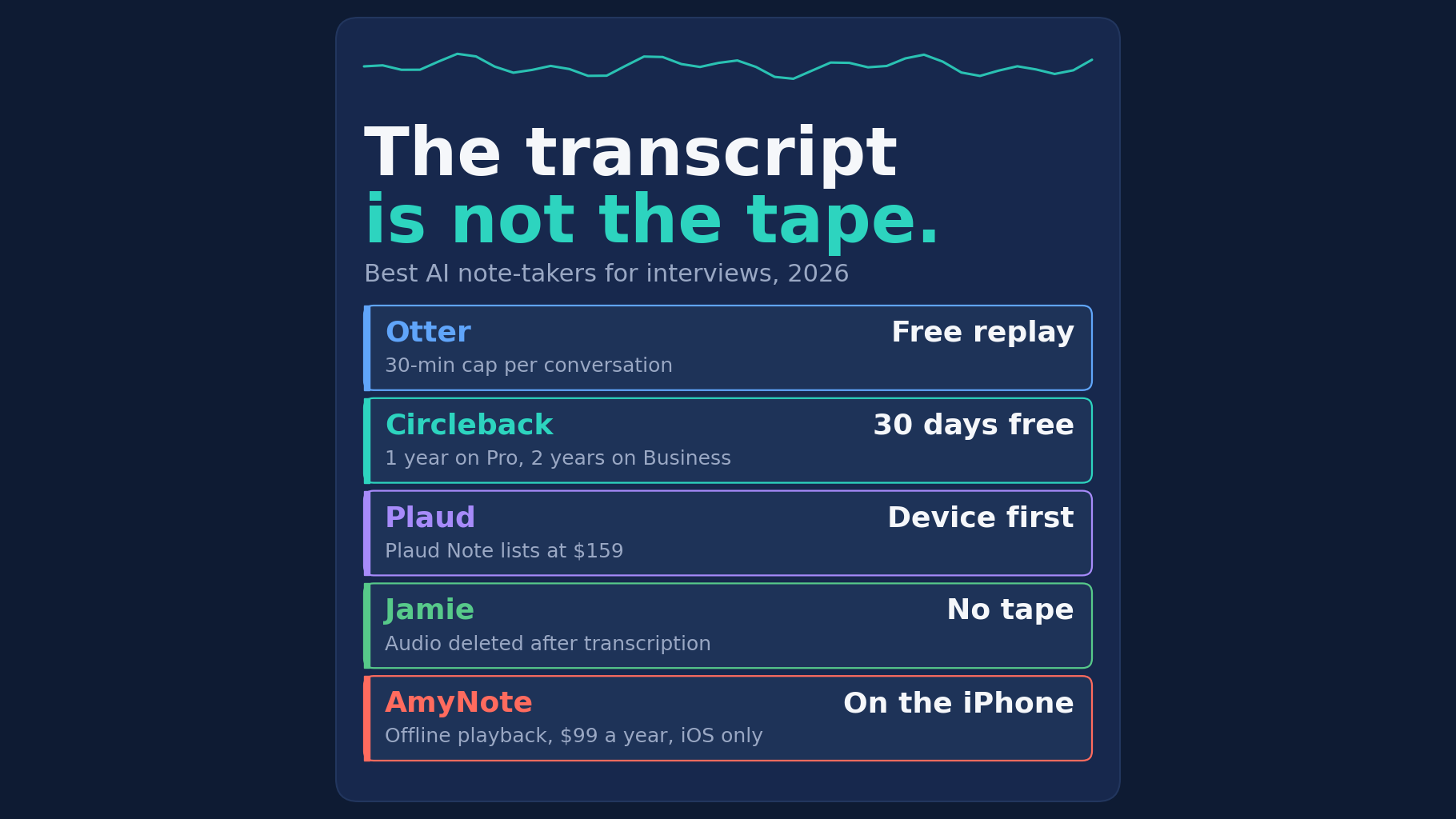
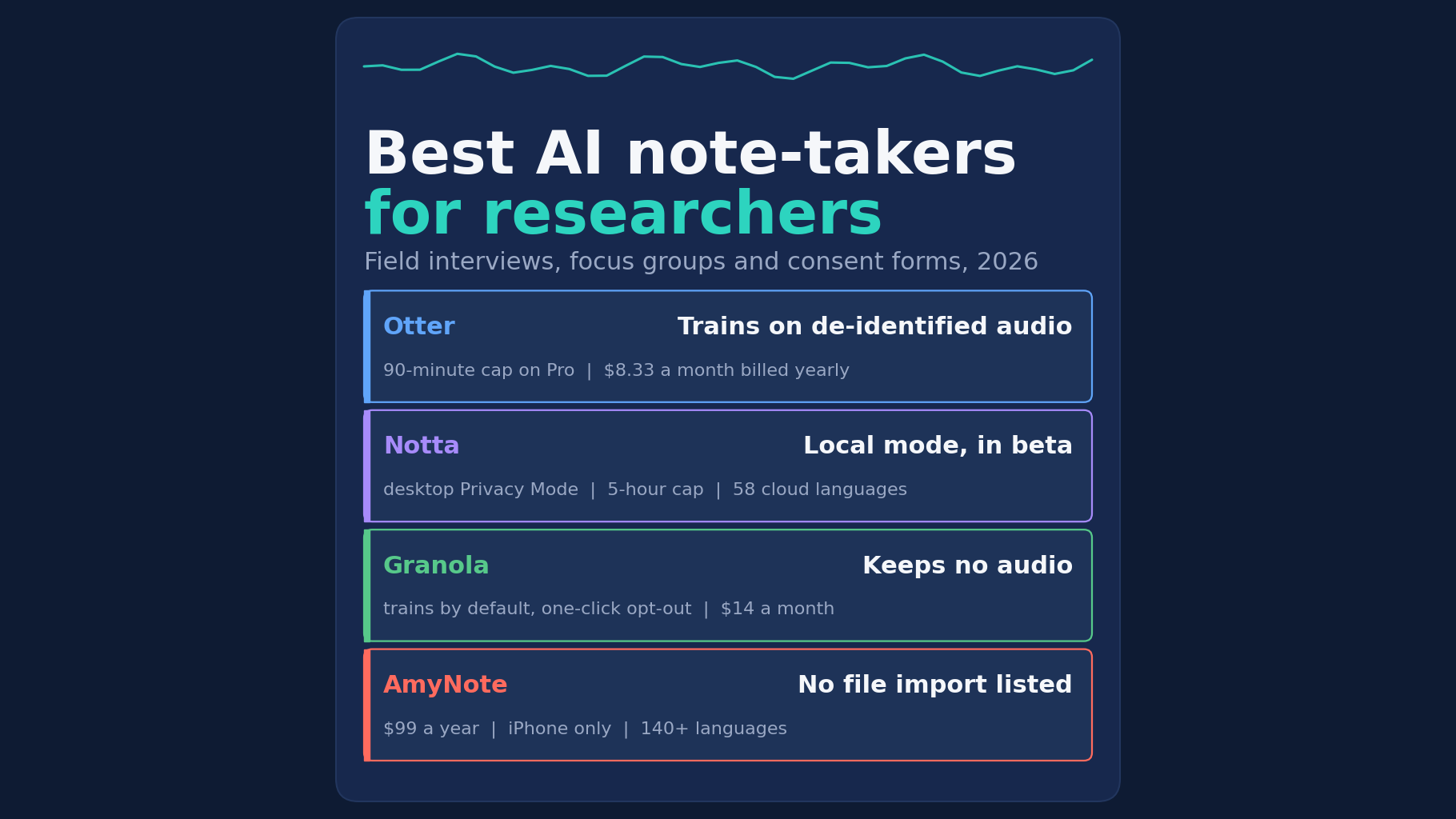
- Best free starting point for English interviews: Otter. Mobile apps, audio playback and file import on the free plan. The free plan caps each conversation at 30 minutes, and Otter trains its own AI on de-identified audio.
- Best for long sessions and many languages: Notta. Paid plans allow 5-hour recordings and list 58 languages. Its new desktop Privacy Mode transcribes without uploading audio, but it is in beta.
- Best for researchers who take their own notes: Granola. It is bot-free across desktop, iOS, Android and Apple Watch. It keeps no audio, so there is no tape to re-check.
- Best phone-only option for multilingual fieldwork: AmyNote. It costs $99 a year, says it does not train AI on your data and lists 140+ languages. It is iPhone and iPad only, has no free plan and lists no file import.
What We Compared
We read each vendor’s own pricing page, security page and privacy policy on October 12, 2026. We scored four things a research project actually feels:
- Session length. Interviews and focus groups run long, and a hard cap ends the transcript mid-answer.
- Where the conversation happens. A video call, a lab, a living room or a field site.
- Whether the audio survives. Quote verification needs the original recording, not only a transcript.
- What happens to participants’ words. Training defaults, local processing and published certifications.
Every price below is a list price as printed by the vendor on that date, using annual billing where offered. Plans change often, so treat the figures as a snapshot and check the vendor’s page before you put a tool in a protocol or a grant budget.
None of these tools replaces an ethics board’s judgment. If your consent form promised something specific, such as that recordings will not be used to train software or will not leave a given device, check the vendor line that matters before the first interview, not after.
Otter: Generous Free Plan, Short Sessions
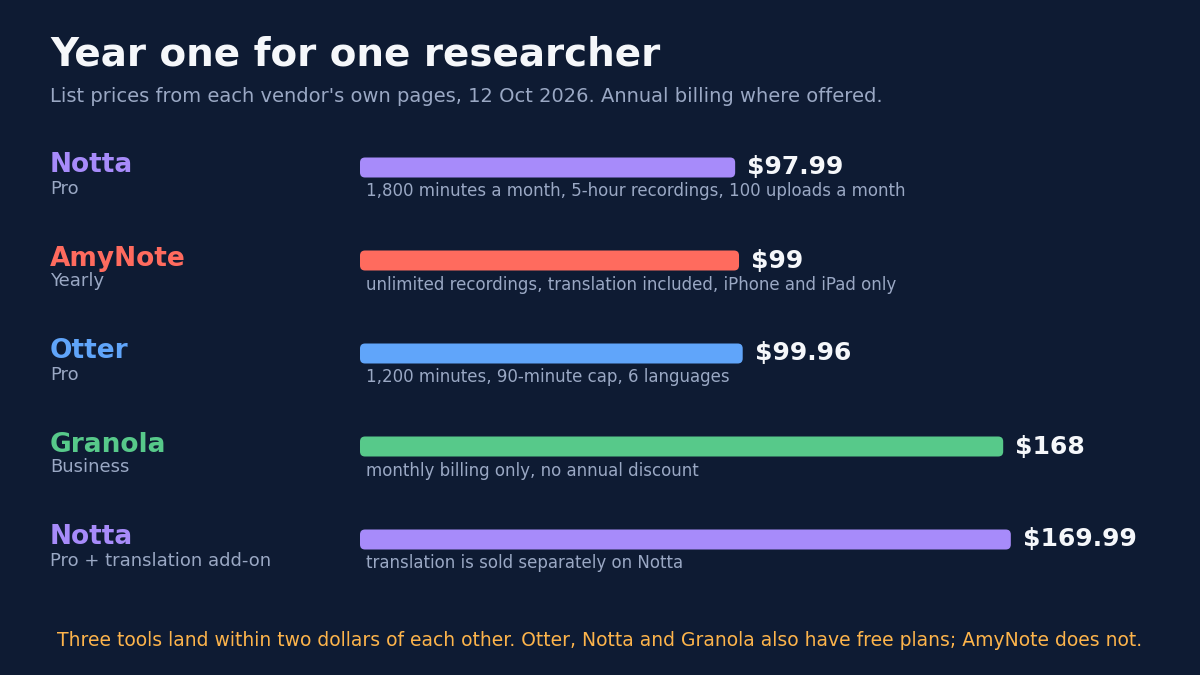
Strengths. The free Basic plan includes iOS and Android apps, live transcription, speaker identification, audio playback and 300 transcription minutes a month. Pro costs $8.33 a month billed yearly, adds 1,200 minutes and 10 file imports a month, and unlocks playback speeds up to 3x. For a student or early-career researcher running short English interviews, that is a real tool at no cost.
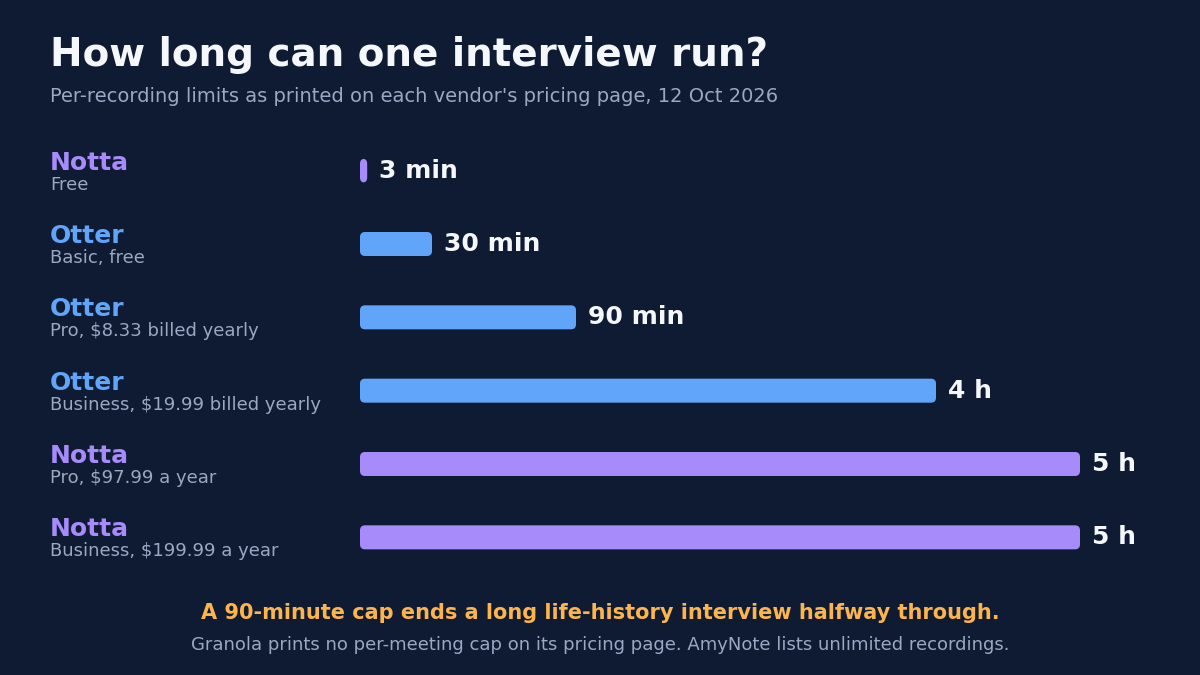
Weaknesses. Each conversation is capped at 30 minutes on Basic and 90 minutes on Pro; only Business, at $19.99 a month billed yearly, reaches 4 hours. Otter lists six languages. Its privacy policy lists “training our proprietary AI technology on de-identified audio recordings and on transcriptions,” and keeps personal information “for as long as necessary.” HIPAA is an Enterprise add-on.
Who it fits. Short, English-language interviews where de-identified training is acceptable under the consent language, and where importing existing recordings matters.
Notta: Long Recordings and a Local Mode in Beta
Strengths. Notta Pro costs $97.99 a year and allows 1,800 minutes a month, recordings up to 5 hours and 100 file uploads a month. It lists 58 languages and apps for iOS, Android, Mac and Windows. Its security page says it has obtained SOC 2 Type II. The new Privacy Mode in Notta Desktop transcribes on your computer and keeps recordings and transcripts in a local folder.
Weaknesses. Privacy Mode is labeled beta on both Mac and Windows. Its default local model covers only English, Simplified Chinese, Japanese, Korean and Cantonese, and Notta says cloud transcription gives higher accuracy. The free plan stops each conversation at 3 minutes. Translation is a paid add-on, $6 a month billed yearly, which takes Pro to $169.99 in year one. The only no-training line in its privacy policy covers Google Workspace data.
Who it fits. Researchers who transcribe long sessions on a laptop, work across several languages, and want the option of audio that never leaves the machine, provided they can live with beta software and a narrower local language list.
Granola: Your Notes, Enhanced, With No Tape
Strengths. Granola captures device audio with no bot, on Mac, Windows, iOS, Android and Apple Watch. It enhances the notes you type, which suits researchers who already write field notes during a session. Its FAQ says it never lets third parties like OpenAI or Anthropic train on your data. It is SOC 2 compliant.
Weaknesses. Granola’s security page says it does not store meeting audio, only the transcript and your notes, so a disputed quote cannot be replayed. Granola trains its own models on anonymized data by default. Any user can opt out in one click, but the default matters if your consent form ruled training out. The free plan keeps notes searchable for 30 days. Business costs $14 a month with no annual discount. It supports 32 languages on desktop and 10 on mobile, and its pricing page lists no file import.
Who it fits. Researchers whose method already centers on their own written notes, who want those notes structured after the session, and who never need to go back to the recording itself.
AmyNote: Phone-First, With Real Gaps
Weaknesses first. AmyNote runs only on iPhone and iPad, with no Android, desktop or web app. There is no free plan, only a 3-day trial. Its site lists no file import, so an archive of old recordings stays where it is. It holds no SOC 2, ISO 27001 or HIPAA certification and publishes no retention period. Transcription always needs a network connection.
Strengths. AmyNote records in the room with no bot and lists unlimited recordings, so a long interview is not cut off. Transcription runs through OpenAI and Microsoft Azure speech services, and AI analysis is powered by Anthropic’s Claude. AmyNote states that it does not use customer data to train AI models and does not sell meeting content. Audio and text are encrypted in transit with TLS. The saved library of recordings, transcripts and notes lives on the researcher’s iPhone or iPad, and recording, playback, reading and export to PDF, TXT or Word all work offline.
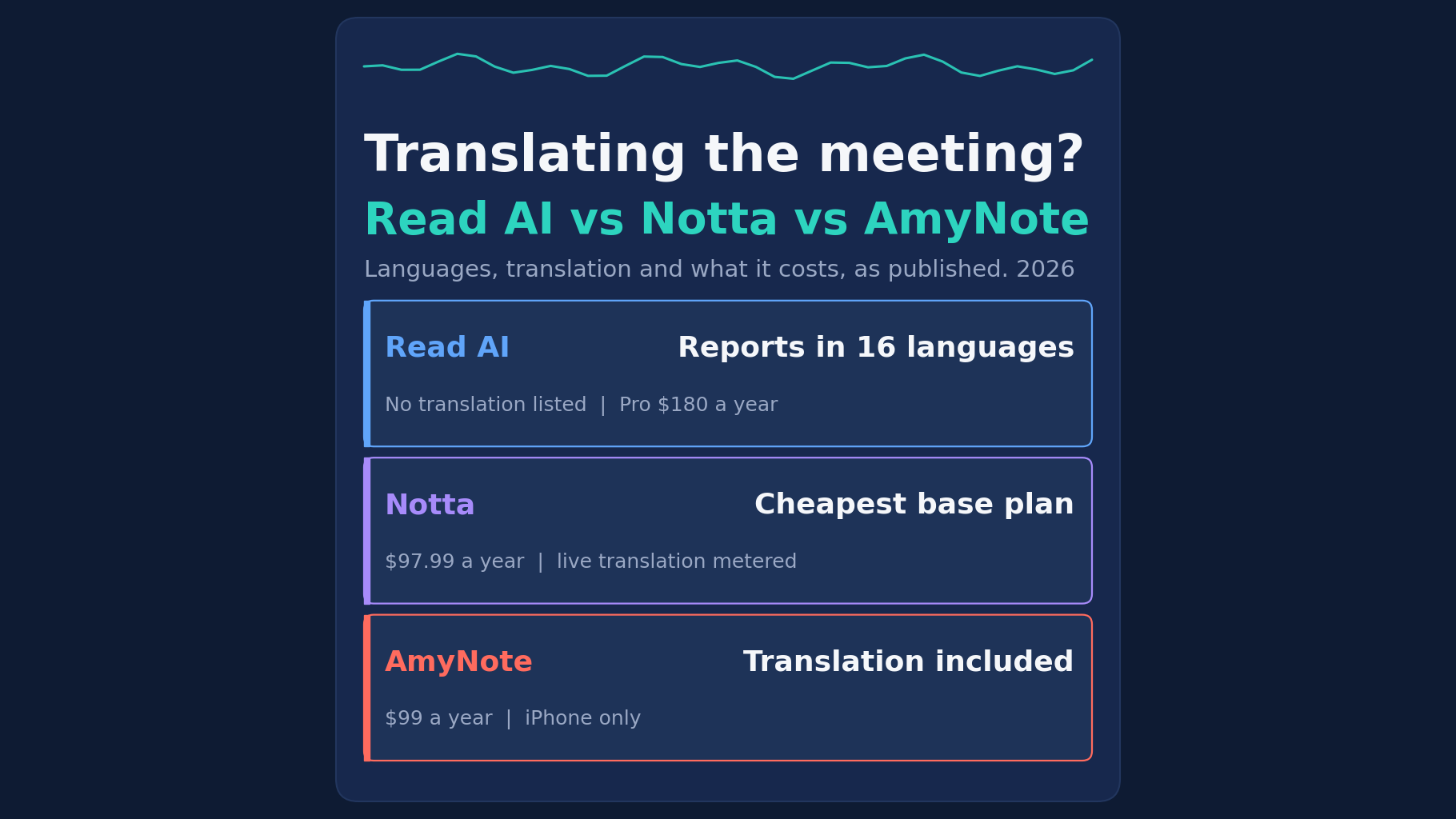
AmyNote is explicit about the limit: local-first is not local-only. When transcription, translation or an AI summary runs, the audio or text is uploaded, and a processing copy may be retained on AmyNote’s cloud so the request can be completed. It lists 140+ transcription languages and translation into 100+, included in the $99 yearly price.
Who it fits. Fieldworkers who record on a phone, move between languages, and need replayable audio with a written no-training statement, and who can work without file import, Android or a certification.
Side-by-Side Comparison
| Otter | Notta | Granola | AmyNote | |
|---|---|---|---|---|
| Longest single recording | 4 h on Business, 90 min on Pro | 5 h on paid plans | No cap printed | Unlimited recordings listed |
| Audio kept for replay | Yes | Yes | No | Yes, on the device |
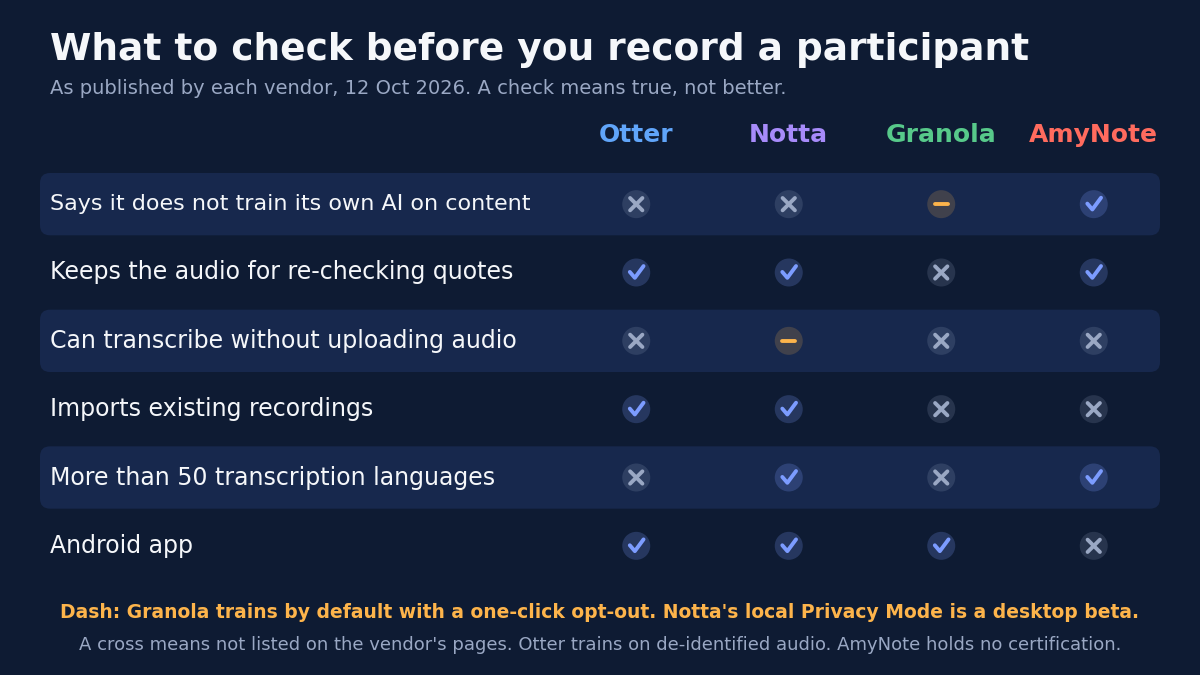
| Trains its own AI on your content | Yes, de-identified | Not addressed beyond Google data | Yes by default, opt-out available | Says no |
| Transcribe without uploading | No | Desktop Privacy Mode, beta | No | No |
| Imports existing recordings | Yes | Yes | None listed | None listed |
| Languages | 6 | 58 | 32 desktop, 10 mobile | 140+ |
| Year one, one researcher | $99.96 (Pro) | $97.99 (Pro) | $168 (Business) | $99 |
Choosing the Right Tool for Your Protocol
Start from the study, not the feature list. Four questions settle most cases:
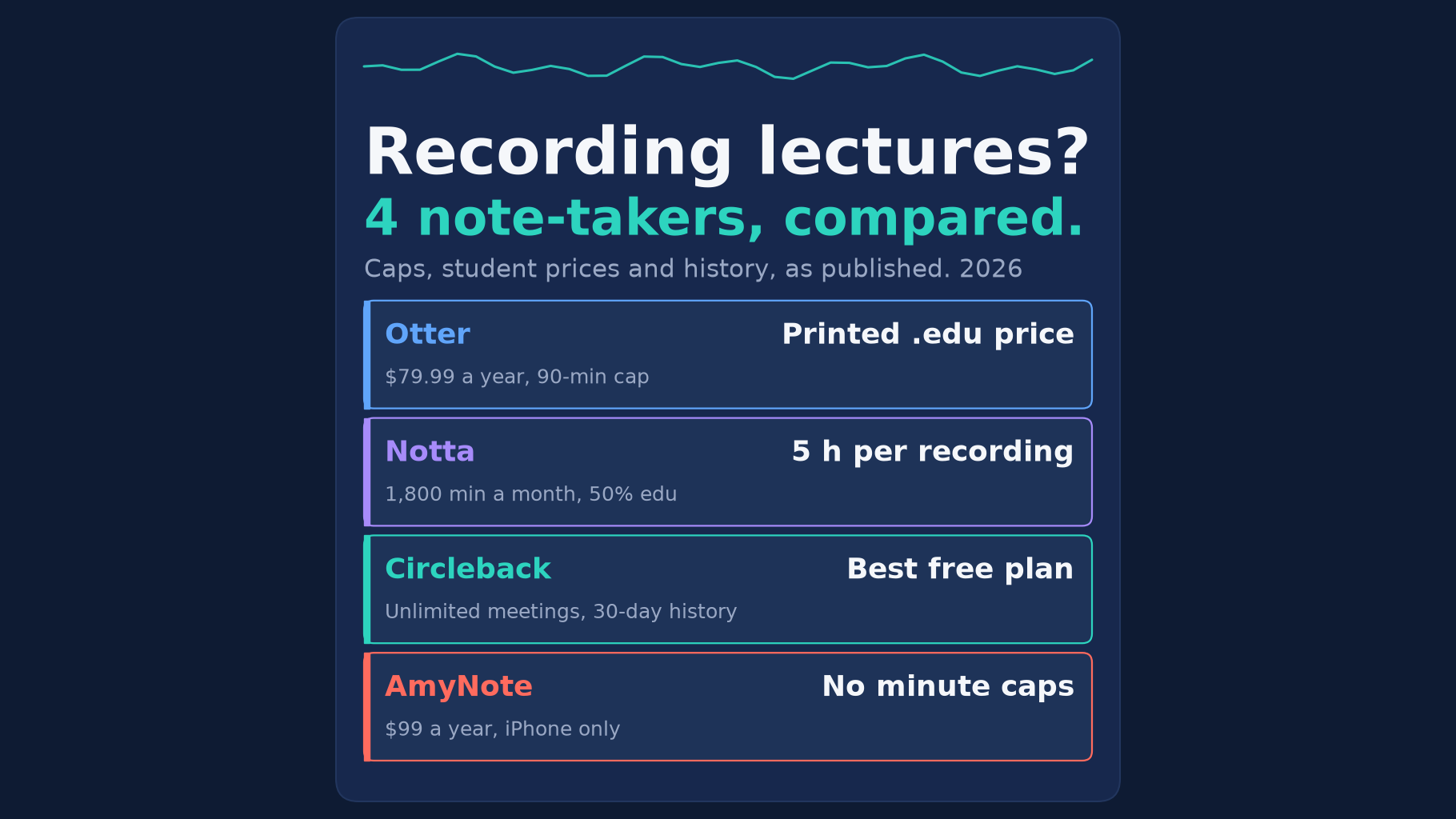
- How long is your longest session? If interviews or focus groups regularly pass 90 minutes, Otter’s free and Pro plans are out. Notta’s paid plans, Otter Business, Granola and AmyNote all leave room.
- Will you need to replay a quote? If transcripts will be checked against the original audio, by you, a co-coder or a reviewer, Granola does not fit, because it keeps no audio.
- What did the consent form promise about training? Otter trains on de-identified audio and Granola trains by default unless you opt out. Notta’s no-training line is scoped to Google Workspace data. AmyNote states it does not train on customer data.
- Where, and in what language, do you record? A laptop on a desk favors Notta or Granola. A phone in a living room or a field site favors Otter’s mobile apps or AmyNote. Multilingual fieldwork narrows the list to Notta’s 58 languages or AmyNote’s 140+.
Whatever you pick, run one pilot interview end to end before data collection starts: record, transcribe, export, and confirm the files land where your data management plan says they will.
The Bottom Line
If your interviews are short and in English, Otter’s free plan is a real starting point, as long as de-identified training fits your consent language. If you transcribe long sessions on a laptop and want audio that never leaves the machine, Notta’s Privacy Mode is the most interesting option here, with beta caveats. If you take your own notes and never need the tape, Granola is the lightest tool.
If you work from a phone, record in many languages and need replayable audio with a written no-training line, AmyNote fits at $99 a year. Check its gaps against your protocol first: no file import, no Android and no certifications. It is on the App Store with a 3-day trial.
Originally published as an X Article by @AmyNoteApp.