You are five minutes into a client call when a notification pops up: "Fireflies.ai Notetaker has joined the meeting." The prospect pauses. "I see you're recording this." The tone shifts. The rest of the call feels guarded, transactional. The notes you get are accurate — but the relationship cost is harder to measure.
If you have been on enough video calls, you have experienced some version of this moment. A bot joins uninvited, the energy in the room changes, and suddenly everyone is performing for the transcript instead of having a real conversation. It is a small friction that compounds over dozens of meetings per week.
This is the central tension of AI meeting assistants in 2026. The technology works. But the how matters as much as the what — and that is where Otter.ai, Fireflies.ai, and AmyNote diverge sharply. Each tool makes fundamentally different choices about recording method, data handling, and user experience. Those choices ripple through everything: the quality of conversations you have, the trust clients extend to you, and the control you retain over sensitive information.
Quick Verdict
Choose Otter.ai if you want polished transcripts for English-language meetings and value a clean, notebook-style interface. Otter has spent years refining its English transcription engine, and for single-language teams that live in Zoom, it remains a strong default.
Choose Fireflies.ai if your team lives in Salesforce or HubSpot and needs meeting data flowing directly into your CRM. No other tool matches its integration depth for revenue teams that want every call automatically logged and analyzed.
Choose AmyNote if you need multilingual support, work with in-person meetings, or cannot afford to have a bot change the dynamics of your conversations. AmyNote is the only option here that never sends a visible participant into your calls.
What We Compared
We evaluated five dimensions that matter most for daily use:
- Recording method. Does it send a bot, or stay invisible? This single decision affects meeting dynamics more than any feature on a spec sheet.
- Transcription accuracy. How well does it handle accents, jargon, and overlapping speakers? Accuracy on a demo reel is easy — accuracy in real meetings with background noise and crosstalk is what counts.
- Language support. How many languages, and how well? There is a difference between listing a language on a features page and actually delivering usable transcripts in that language.
- Privacy architecture. Where does your audio go, who can access it, and for how long? In regulated industries, this is not a nice-to-have — it is a requirement.
- Pricing transparency. What you actually pay versus what the landing page says. Credit systems, overage fees, and feature-gated tiers can make a cheap plan expensive fast.
Otter.ai — The English-First Notebook
Strengths
- Best-in-class accuracy for English. Otter consistently delivers 93–95% accuracy in clean audio conditions. For native English speakers on a stable Zoom connection, the transcripts are genuinely impressive — readable with minimal editing.
- Clean, readable interface. The transcript feels like a polished document rather than raw output. Otter's notebook-style layout makes it easy to highlight, comment, and share sections with teammates.
- OtterPilot auto-join. Connects automatically to Zoom, Google Meet, and Microsoft Teams. Once configured, it works without any per-meeting setup.
Weaknesses
- Five languages only. Otter supports EN-US, EN-UK, Japanese, Spanish, and French. If your work involves any other language, Otter is not an option.
- Bot joins every call visibly. Every participant sees "Otter.ai" appear as an attendee. You cannot disable this without losing auto-transcription entirely.
- 300-minute free tier. That is roughly five hours per month — enough for light use, but most professionals burn through it in a single week.
- No in-person recording. Otter is designed for virtual meetings. If you sit in conference rooms, client offices, or courtrooms, there is no native way to use it.
- Pricing: Free (300 min/mo) | Pro $16.99/mo | Business $30/mo.
Fireflies.ai — The CRM Workhorse
Strengths
- Deepest integration ecosystem. Salesforce, HubSpot, Pipedrive, Slack, Notion, Asana — Fireflies connects to more tools than any competitor. For revenue teams, the ability to auto-push call summaries and action items into a CRM is a genuine workflow improvement.
- 60+ languages. Significantly broader coverage than Otter, making Fireflies a viable option for international teams.
- Conversation intelligence. Talk-time ratios, sentiment analysis, topic detection, and keyword tracking give managers quantitative data on how calls go — not just what was said, but how.
- 800-minute free tier. More generous than Otter and enough for moderate use, though heavy users will still hit the cap.
Weaknesses
- Bot joins visibly. Same problem as Otter. "Fireflies.ai Notetaker" appears as a meeting participant, and there is no way to make it invisible. For client-facing calls, this remains a friction point.
- Hidden credit costs. The base subscription covers a set number of transcription credits. Heavy users — particularly teams running 20+ calls per week — report spending 2–3x the base subscription on credit top-ups. The pricing page does not make this obvious.
- BIPA lawsuit (March 2026). A class-action lawsuit filed under the Illinois Biometric Information Privacy Act alleges that Fireflies collects voiceprints without informed consent. The case is ongoing, but it raises legitimate questions about how audio data is processed and stored.
- Complex UI with a steep learning curve. The breadth of features comes at a cost: new users often report feeling overwhelmed by the dashboard, settings, and configuration options. Getting Fireflies set up the way you want takes time.
AmyNote — The Bot-Free Privacy Play
Strengths
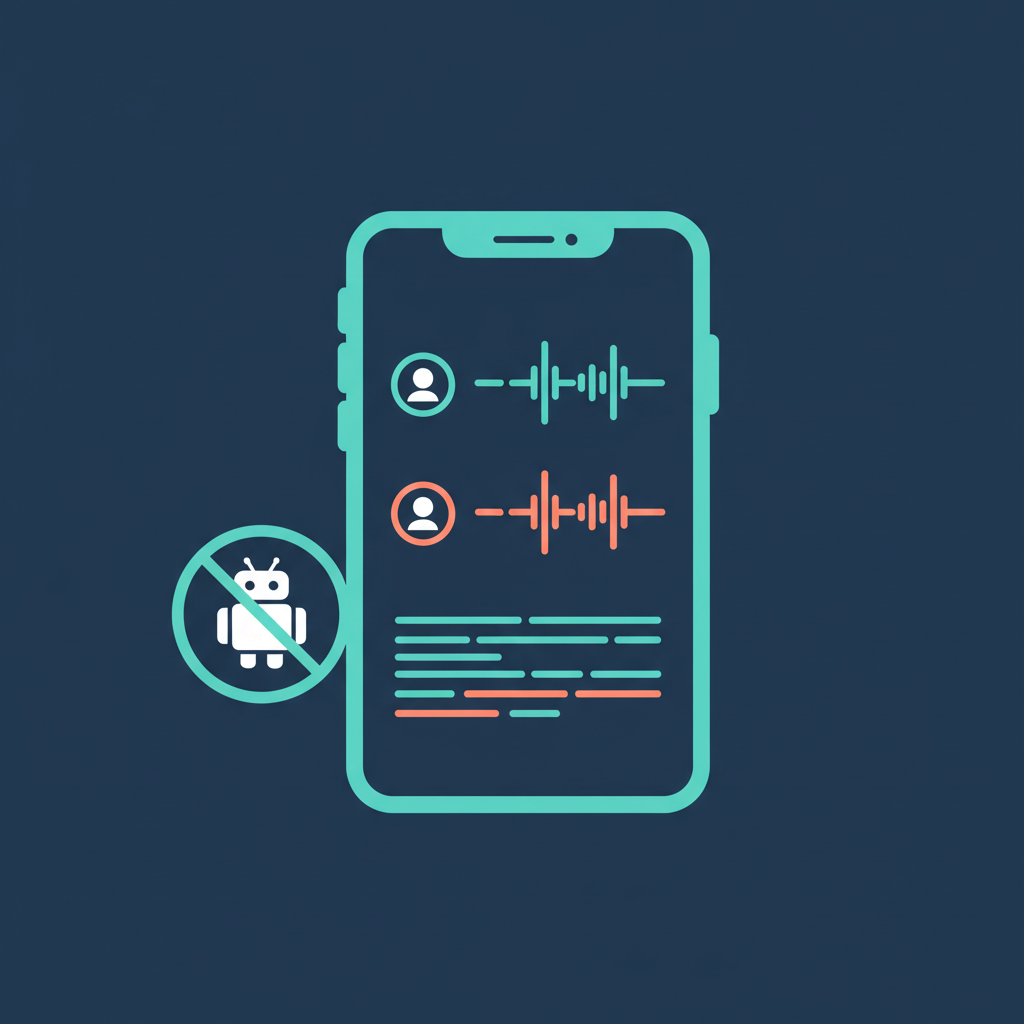
- No bot, ever. AmyNote records on-device using your phone's microphone. No participant joins the call. No notification appears. The other people in the meeting never know a tool is running unless you tell them. This preserves the natural dynamics of the conversation in a way that bot-based tools simply cannot.
- 120+ languages with real-time translation. The broadest language support of the three, powered by OpenAI's Speech API. Crucially, it handles code-switching (jumping between languages mid-sentence) and non-English accents far better than tools trained primarily on English.
- Works everywhere — including in-person. Because it records through the device microphone, AmyNote works in conference rooms, coffee shops, courtrooms, and anywhere else you have conversations. It is not limited to virtual meetings.
- Privacy architecture. Transcription runs through OpenAI's Speech API; AI analysis uses Anthropic's Claude Opus. Both providers offer contractual zero-training guarantees — your data is never used to improve their models. Audio is encrypted in transit; processing copies may be retained to deliver and recover requested features. Transcripts and recordings are stored locally on your device with encrypted transport.
- Cross-session speaker identification. Name a speaker once, and AmyNote recognizes their voice in future meetings. Over time, your transcript archive becomes a structured, attributed record without repeated manual labeling.
- Simple pricing. 3-day free trial with no caps and no credits. After that, a single paid tier. No surprise overages, no credit top-ups, no feature gates that force you into a higher plan.
Weaknesses
- No desktop app. AmyNote is mobile-first. There is no Mac or Windows client, which means you need your phone nearby during virtual meetings.
- No CRM integrations. Unlike Fireflies, there is no direct pipeline to Salesforce, HubSpot, or other CRM tools. If automated CRM logging is critical to your workflow, this is a significant gap.
- No video recording. AmyNote captures audio only. If you need a video record of screen shares or presentations, you will need a separate tool.
- Smaller brand. AmyNote does not have the market recognition of Otter or Fireflies. For enterprise procurement teams, brand familiarity sometimes matters as much as features.
- No team or enterprise features. There are no shared workspaces, admin consoles, or team-level analytics. AmyNote is built for individual professionals, not for organizations managing dozens of seats.
Side-by-Side Comparison
| Feature | Otter.ai | Fireflies.ai | AmyNote |
|---|---|---|---|
| Recording method | Bot joins call | Bot joins call | On-device, no bot |
| Transcription accuracy | 93–95% (English) | ~90% (varies by language) | OpenAI Speech API (high accuracy, 120+ languages) |
| Language support | 5 languages | 60+ languages | 120+ languages |
| In-person meetings | No | No | Yes |
| CRM integrations | Limited | Salesforce, HubSpot, Pipedrive, Slack, Notion + | None |
| Free tier | 300 min/mo | 800 min/mo | 3-day free trial, no caps |
| Paid pricing | $16.99–$30/mo | $19–$39/mo + credit top-ups | Single paid tier, no credits |
| Privacy | Cloud processing, data retention | Cloud processing, BIPA lawsuit pending | Zero-training guarantees, local storage, encrypted transport |
| Speaker ID across sessions | No | Limited | Yes |
The Bottom Line
There is no single "best" AI meeting assistant — only the best tool for your specific situation. The right choice depends on which tradeoffs you can live with and which ones are dealbreakers.
If your team runs English-only Zoom meetings and wants the cleanest transcripts available, Otter.ai is a strong pick. It does one thing extremely well, and its notebook interface makes the output genuinely pleasant to work with.
If your priority is getting meeting data into your CRM automatically and you need conversation analytics across a sales team, Fireflies.ai is the most capable option. Just budget for credit overages and be aware of the pending privacy litigation.
If you need multilingual support, work with in-person meetings, or operate in a context where a bot joining the call creates real friction — client relationships, legal consultations, medical conversations, sensitive negotiations — AmyNote is the tool that was designed for exactly that scenario. It is built for professionals who need accurate, private, multilingual transcription that works everywhere, without a robot joining their meetings and changing the room.
The best meeting tool is the one your clients never notice and your workflow never has to work around.
Try AmyNote free for 3 days at amynote.app.