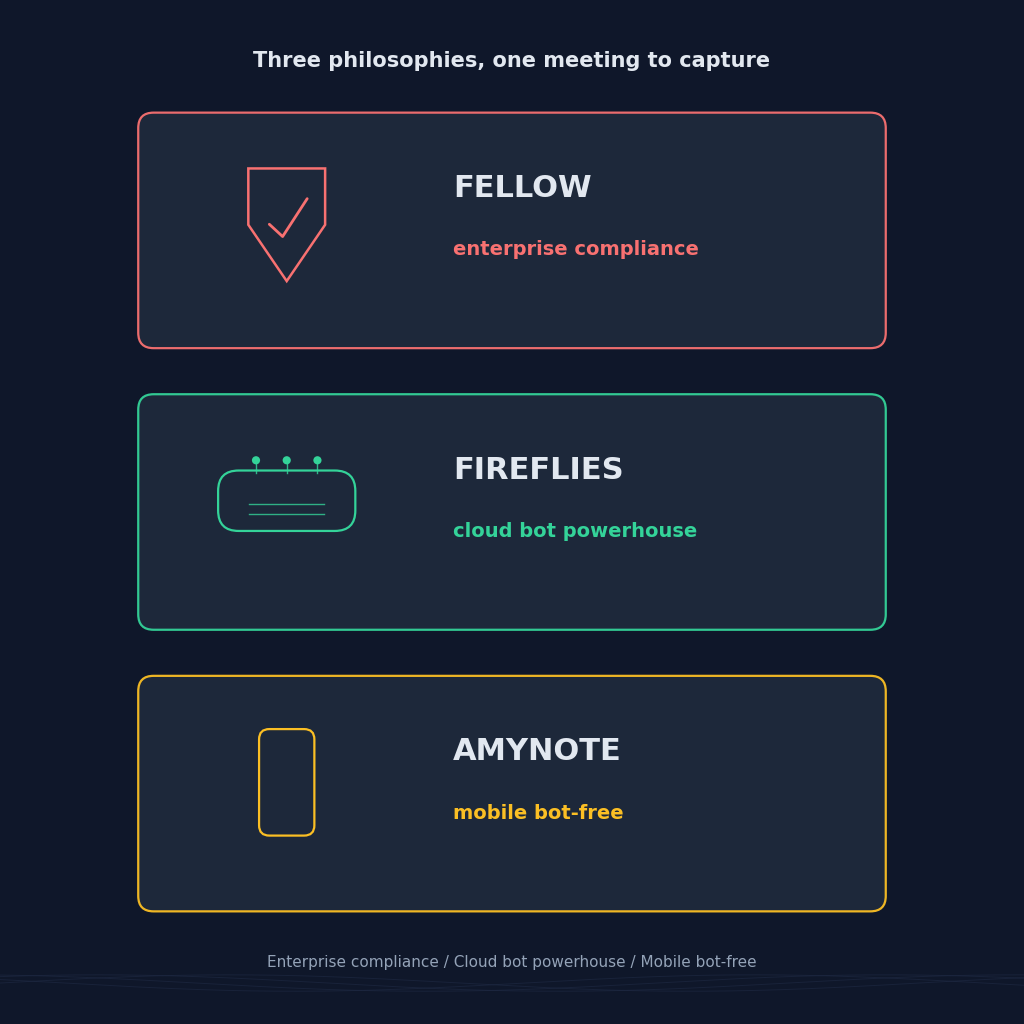
Two well-known names in the AI meeting space pull in opposite directions. Fellow leans hard into enterprise governance, botless desktop capture, and org-wide policy. Fireflies leans hard into cloud transcription volume, 100+ languages, and a searchable meeting library with AskFred on top. Both work. Both are billed per seat. Both assume your meeting happens in front of a laptop.
AmyNote sits in a third quadrant. No bot in the call. No desktop dependency. A phone in your pocket that records, transcribes, and analyzes anything within earshot, then keeps the file on your device. If you have ever tried to capture a client visit, a hallway conversation, or a coffee shop meeting with a bot-based tool, you already know why that third quadrant exists.
This piece compares all three head to head using current 2026 pricing and features so you can pick the one that fits how you actually meet.
Quick Verdict
Pick Fellow if you need botless recording inside a formal compliance envelope with SOC 2 Type II, HIPAA, GDPR, and SSO plus SCIM on Enterprise. This is the pick when your compliance team, not your team lead, signs off on the tool.
Pick Fireflies if you want unlimited cloud transcript volume, 100+ languages, deep integrations, and a searchable meeting library with an AI assistant like AskFred. The bot in the participants list is a fair trade for the workflow.
Pick AmyNote if you take meetings on your phone, need in-person capture without hardware, and want zero-training privacy defaults instead of an opt-out toggle. This is the pick when your best conversations happen away from a laptop.
What We Compared
Three axes that actually change your workflow: where the audio is captured, who else sees the transcript, and what the total monthly cost looks like once caps and credits are factored in.
Fellow captures at the operating system level from a desktop app. The Fellow bot does not join Zoom, Meet, or Teams as a visible participant, and transcripts inherit your organization's retention, access, and sharing policies. Fireflies sends a named bot into your calendar events, records to cloud, then serves it back through a web app plus a Chrome extension. AmyNote captures through the phone's microphone in an iOS app, keeps files local by default, and only sends the audio to OpenAI's Speech API for transcription and to Anthropic's Claude Opus for analysis.
We ignored the features all three do reasonably well. Real-time transcription, speaker labels, action-item extraction, keyword search across transcripts. Every tool in this category has reached a floor on those basics. The real decisions live at the edges: where audio lives after the call, whose retention policy governs it, and what the total cost of use looks like once free-tier caps and AI-credit budgets are counted.
Fellow: Strengths and Weaknesses
Strengths
The bot-free desktop app is the flagship. Install Fellow on Mac or PC, and it detects a calendar meeting and captures system audio directly, so nothing extra shows up in the participant list. Speaker diarization runs automatically, and botless recordings stay inside your existing retention, access, and sharing rules. On paper this is the strongest compliance stack in the category: SOC 2 Type II, GDPR, HIPAA, plus SSO and SCIM on the Enterprise plan with Okta, OneLogin, HRIS syncing, and workspace analytics. Fellow also offers a native mobile app for in-person capture, so board meetings and off-sites are covered.
For a large org that already runs Okta or Azure AD, the SSO plus SCIM combination is worth more than a price tag. It means Fellow accounts provision and deprovision with your identity system, so a departing employee loses meeting access on the same day their laptop is wiped. Retention policies attach to the whole org, not the individual user, so a general counsel can set a 90-day meeting retention rule and have it apply uniformly across every department. That is the kind of governance most seat-priced tools cannot deliver without a custom enterprise contract.
Weaknesses
The Free tier supports up to 10 users but excludes AI features entirely, so Free is a tasting, not a trial. Team at USD 7 per seat unlocks AI notes, transcription, and action items, but recording is capped. Business at USD 15 lifts those caps. Enterprise at USD 25 unlocks the compliance stack, CRM sync, and org analytics. All paid tiers are annual, which is fine for teams and rough for solo pilots. Botless capture needs Fellow installed on the device that hosts the meeting, so if the host laptop is not yours, the recording does not exist. In-person capture depends on the mobile app, and the audio quality is bounded by the phone microphone, same as any bot-free tool.
Fireflies: Strengths and Weaknesses
Strengths
Fireflies is a cloud transcription powerhouse. 100+ languages, 200+ integrations, and a searchable library across every meeting your team has ever recorded. AskFred is a conversational assistant over that library, and the 2026 update ties in a Perplexity integration for live fact-checking during a call. Live Assist adds real-time coaching for sales reps. Topic Trackers, sentiment analysis, talk-time, and custom keyword trackers are all first-class. For managers who want a dashboard view of how their team runs meetings, Fireflies is hard to beat.
The integration surface is where Fireflies really lands. Salesforce, HubSpot, Pipedrive, Notion, Slack, Asana, Trello, Zapier, and every other tool a mid-market sales, RevOps, or CS team already runs. When the bot joins a call, the transcript, action items, summary, and highlights can auto-write into the CRM opportunity or the customer success workspace without a human touching the record. For teams with an existing bot-tolerant workflow, that flywheel is real.
Weaknesses
The bot joins every meeting as a visible participant, which changes how sensitive conversations feel. Free storage is capped at 800 minutes. Pro at USD 10 per seat annual (USD 18 monthly) gives 8,000 minutes of storage and 20 shared one-time AI credits. Business at USD 19 lifts storage to unlimited and adds video. Enterprise starts at USD 39 with 50 credits. AI credits are a one-time pool, not a monthly refill, so heavy AskFred usage adds hidden cost. Every plan has meeting-duration caps, and refunds are not offered after 20 recorded meetings.
The bot-in-participants problem is not just aesthetic. Some customers, especially in regulated industries, will decline to talk once a named bot joins. Some legal teams will refuse to allow a bot on any call with outside counsel. The workaround is a Chrome extension for bot-free capture on Google Meet, which covers part of the gap and leaves Zoom, Teams, and Webex on the bot path.
AmyNote: Strengths and Weaknesses
Strengths
Bot-free is the default because there is no bot. The mobile app records anything within earshot: a Zoom on speakerphone, a hallway conversation, a client visit, a lecture. Transcription runs through OpenAI's Speech API, and analysis runs through Anthropic's Claude Opus, both under contractual zero-training terms on submitted content. Audio is encrypted in transit; processing copies may be retained to deliver and recover requested features. Transcripts live on the user's device with device storage protection.
Cross-session Speaker ID remembers voices across meetings, so a client heard three times last quarter is still labeled correctly on the fourth call. 120+ languages with real-time translation edges both competitors. Pricing is a single tier: no credits, no minute caps, no seat math. That last one matters more than it reads on paper. Fireflies AskFred queries burn a one-time pool. Fellow Team caps recording minutes. AmyNote does neither. If a solo consultant runs eight one-hour client meetings a week and asks the AI to summarize each one, the monthly bill is fixed.
The mobile-first design solves a category the other two miss entirely: the meeting your laptop cannot easily join. Off-site strategy sessions, on-location interviews, coffee shop pitches, ride-along shadowing, hospital corridor conversations, kitchen table client visits. None of these fit a bot workflow. All of them fit a phone in your pocket.
Weaknesses
No desktop app. If your meetings live inside Zoom on a laptop with the phone in another room, AmyNote is not the right fit. No CRM sync. If your team lives in Salesforce or HubSpot, Fellow Enterprise or Fireflies Business are stronger. No video recording, a real gap versus Fireflies Business. No team or enterprise features yet: no SSO, no admin console, no shared workspace analytics. The brand is smaller than either of the other two, which matters for procurement.
Side-by-Side Comparison
- Bot in the meeting. Fellow no (desktop captures OS audio). Fireflies yes (visible bot). AmyNote no.
- Where audio lives. Fellow inside your org's retention rules. Fireflies in Fireflies cloud. AmyNote on your device.
- Training on user data (default). Fellow opt-out. Fireflies opt-out. AmyNote contractual zero from both OpenAI and Anthropic.
- Free tier reality. Fellow 10 users, no AI. Fireflies 800 minutes of storage, 20 credits, visible bot. AmyNote 3-day trial, no credit card.
- Starting paid price. Fellow USD 7 per seat annual (Team). Fireflies USD 10 per seat annual (Pro) or USD 18 monthly. AmyNote single tier after trial.
- Language coverage. Fellow 99+. Fireflies 100+. AmyNote 120+ with real-time translation.
- In-person capture. Fellow via mobile app. Fireflies via mobile or upload. AmyNote native.
- CRM sync. Fellow Enterprise. Fireflies Business. AmyNote not yet.
- Video recording. Fellow yes on paid. Fireflies yes on Business. AmyNote no.
- Compliance ceiling. Fellow SOC 2 Type II, GDPR, HIPAA, SSO plus SCIM. Fireflies SOC 2, GDPR. AmyNote local-first with zero-training guarantees.
The Bottom Line
Fellow wins if compliance drives the buy and every laptop in your org runs the Fellow desktop app. The compliance stack is the real product, and it is meant for a general counsel or a CISO to sign off on before a team lead picks the tool.
Fireflies wins if you need a searchable meeting library across many languages, and the bot in the call is a fair trade. AskFred plus 200 integrations is the value, and the AI-credit budget is the tax.
AmyNote wins if your meetings are mobile and often in-person, and you would rather trust a contractual privacy floor than an opt-out toggle. If most of your day happens with a phone in your pocket, AmyNote is the shortest path from spoken word to a searchable, private transcript. Try it free for three days at amynote.app, no credit card required.
Originally published as an X Article by @AmyNoteApp.