Fathom built its reputation on one promise: free, unlimited meeting recordings with AI summaries in your inbox before you finish saying goodbye. For solo Zoom users who only need English transcription, it delivered exactly that. The experience was fast, the summaries were useful, and the price was right.
But as your needs grow — more languages, in-person meetings, mobile access, or simply wanting to avoid that "Fathom Notetaker" bot showing up uninvited in your client calls — the cracks start to show. Fathom’s free plan now caps AI summaries at 5 per month. After that, you get raw transcripts only. The paid Premium plan is $19/month, which puts it in the same price bracket as tools that offer significantly more flexibility.
This guide covers four alternatives — what each does better than Fathom, where each falls short, and who should pick what. No hype, just honest trade-offs backed by verified pricing and features.
Quick Verdict
- Otter.ai — Best raw transcription accuracy for English-heavy teams
- Fellow — Best for enterprise compliance and structured meeting workflows
- Granola — Best for privacy-conscious desktop professionals
- AmyNote — Best for multilingual teams, in-person meetings, and mobile-first work
Why People Leave Fathom
There are four recurring pain points that push professionals to start looking for alternatives:
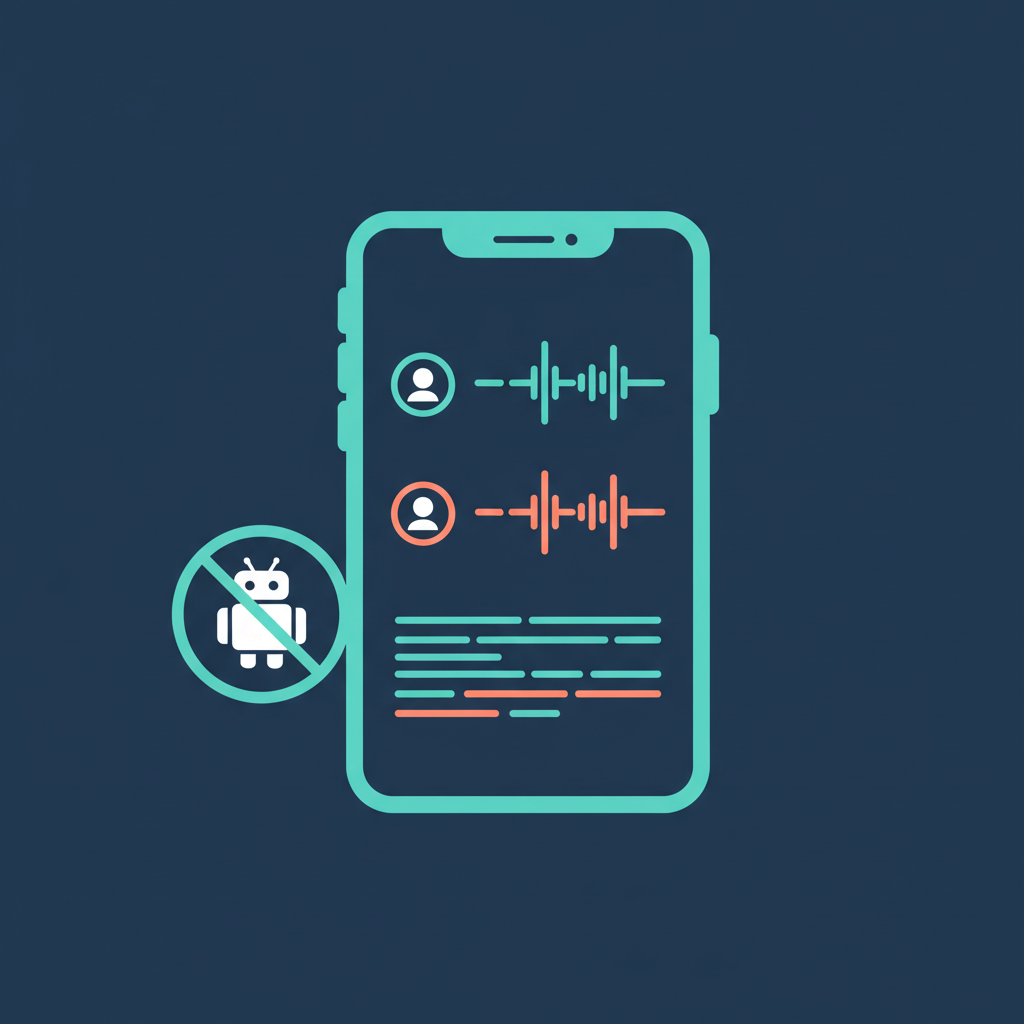
- The bot problem. Fathom joins every call as a visible "Fathom Notetaker" participant. In client-facing calls, sensitive conversations, or any meeting where trust matters, that bot changes the room. People become guarded, and the conversation quality suffers. You cannot disable the bot without losing transcription entirely.
- 28 languages. That sounds like a lot until your team works across Asia, the Middle East, or Eastern Europe. If a single participant speaks a language Fathom does not support, the transcript for that segment is useless.
- No real mobile app. Limited iOS functionality and no Android app at all. If you work away from your laptop — field visits, client offices, coffee meetings — Fathom has no answer.
- Online meetings only. Zoom, Meet, and Teams. No in-person recording, no phone calls, no conferences. The tool simply does not exist outside of a virtual meeting room.
If you hit two or three of these limitations, it is time to look around. Here is what each alternative offers.
Otter.ai — The Accuracy Benchmark
Pricing: Free (300 min/mo, 30-min cap per conversation) | Pro $16.99/mo | Business $30/mo
Otter has spent years refining its English transcription engine, and the results show: 93–95% accuracy on clean audio is genuinely best in class. OtterPilot auto-joins meetings and generates real-time collaborative notes that your team can edit live during the call. The AI Chat feature lets you search across your entire transcript library with natural language queries, which becomes increasingly valuable as your archive grows.
Beats Fathom on
Transcription accuracy for English, real-time collaboration where multiple team members can annotate the same transcript simultaneously, cross-transcript search that lets you query months of meetings at once, and stronger team features at the Business tier.
Falls short on
Otter uses a bot-based recording method — the same visibility problem as Fathom. Language support is limited to English, French, and Spanish (just 3 languages). Audio is processed and stored in the cloud with an opt-out model training policy, meaning your data may be used unless you actively disable it. The free tier at 300 minutes per month is nearly unusable for anyone with more than a few meetings per week.
Bottom line: Best raw accuracy for English desktop calls, especially if your team needs to collaboratively edit notes in real time. You trade privacy and language support for that accuracy edge.
Fellow — The Enterprise Compliance Play
Pricing: Free (5 recordings total) | Team $7/mo | Business $15/mo | Enterprise $25/mo
Fellow is not just a transcription tool — it manages the full meeting lifecycle. Agendas, templates, action items, and Ask Fellow AI that searches across all your meetings. Where Fellow stands apart is compliance: SOC2 Type II, GDPR, and HIPAA compliance with SSO/SCIM integration and transcript redaction capabilities. For regulated industries, this compliance stack eliminates months of vendor review.
Beats Fathom on
Bot-free desktop recording that captures audio locally without joining the call as a participant. Support for 99+ languages. Meeting lifecycle management with structured agendas and automated action items. The strongest compliance certification stack in the category.
Falls short on
The free plan is 5 recordings total — not per month, total. Bot-free recording only works on desktop, not mobile. CRM and Slack integrations require paid plans. There is no in-person recording capability at all. Real value does not start until the Business tier at $15/month.
Bottom line: Right for organizations that need compliance certifications and structured meeting management. If your procurement team needs SOC2 and HIPAA checkboxes, Fellow clears those hurdles faster than any competitor.
Granola — The Privacy-First Desktop Choice
Pricing: Free (unlimited summaries, 30 days) | Pro $14/mo | Business $14/user/mo | Enterprise $35/user/mo
Granola just raised $125M at a $1.5B valuation in March 2026 — the kind of number that signals serious market confidence in the bot-free approach. It runs entirely on your computer, captures audio locally, and generates AI-enhanced notes without any data leaving your device for storage. Type rough notes during a meeting and Granola fills in what you missed, combining your annotations with the full audio context.
Beats Fathom on
Completely bot-free with no visible participant or notification. Local audio processing that keeps your conversations off third-party servers during capture. AI note enhancement that works with your own annotations rather than replacing them. Team Spaces with granular access controls on Business and Enterprise tiers.
Falls short on
Desktop-first design means the mobile experience is still maturing. No team features on the free plan. Enterprise pricing is steep at $35/user/month. Model training opt-out is only available on the Enterprise tier, meaning Pro and Business users’ data may be used. Language support breadth is not publicly specified and appears narrower than competitors.
Bottom line: Nails the "invisible assistant" experience on desktop, and the $1.5B valuation signals that the market is moving toward bot-free tools. But mobile recording, in-person capture, and broad language support remain gaps that matter for global or field-based teams.
AmyNote — The Mobile-First Multilingual Option
Pricing: 3-day free trial, no credit card required.
AmyNote takes a fundamentally different approach: it is a mobile app. No bots, no browser extensions, no desktop software. Pull out your phone and record any conversation — video calls, in-person meetings, phone calls, conferences. Transcription is powered by OpenAI’s Speech API with support for 120+ languages. AI analysis runs on Anthropic’s Claude Opus. Both providers offer contractual zero-training guarantees, meaning your data is never used to improve their models regardless of your plan tier.
Beats Fathom on
In-person meeting recording that no other tool on this list can match. Support for 120+ languages with real-time translation, including code-switching between languages mid-sentence. Cross-session speaker identification that remembers voices across meetings. Zero meeting disruption — no bot, no notification, no visible participant. Privacy architecture with contractual zero-training guarantees from both AI providers, audio is encrypted in transit; processing copies may be retained to deliver and recover requested features, transcripts stored locally with encrypted transport.
Falls short on
No desktop app — AmyNote is mobile-only, which means you need your phone nearby during virtual meetings. No CRM integrations for automated logging to Salesforce or HubSpot. No video recording capability. Smaller brand compared to established players. No team or enterprise features yet.
Bottom line: The only option on this list that works without a laptop open. If your work involves client meetings at offices, multilingual conversations, or field visits, nothing else covers this ground. Enterprise and CRM features are still ahead on the roadmap.
Side-by-Side Comparison
| Feature | Fathom | Otter.ai | Fellow | Granola | AmyNote |
|---|---|---|---|---|---|
| Languages | 28 | 3 | 99+ | Not specified | 120+ |
| Bot-free | No | No | Yes (desktop) | Yes | Yes (mobile) |
| In-person meetings | No | No | No | Limited | Yes |
| Mobile app | Limited iOS | Yes | Yes | Recent | Yes (mobile-first) |
| Free tier | 5 AI summaries/mo | 300 min/mo | 5 recordings total | Unlimited / 30 days | 3-day trial |
| Zero-training guarantee | Unspecified | Opt-out | SOC2/HIPAA | Enterprise only | Yes (all users) |
| Paid from | $19/mo | $16.99/mo | $7/mo | $14/mo | Free trial |
The Bottom Line
Fathom earned its user base with a generous free plan and fast summaries. But "free unlimited recordings" means less when AI features cost $19/month and the tool only covers three platforms in 28 languages with a visible bot in every call.
Choose Otter.ai if English accuracy is everything and you accept cloud storage with an opt-out data policy. Otter is the strongest pure transcription engine for English-language desktop meetings.
Choose Fellow if compliance, structure, and team collaboration come first. SOC2, GDPR, and HIPAA certifications make procurement conversations shorter, and the meeting lifecycle management goes well beyond what any pure transcription tool offers.
Choose Granola if you want invisible, bot-free desktop note-taking with local audio processing. The $1.5B valuation and growing user base validate the approach, though mobile and enterprise users should check whether their needs are covered.
Choose AmyNote if you work across languages, meet in person, or need mobile-first privacy with contractual zero-training guarantees on every plan. Try it free at amynote.app — 3 days, no credit card.
Every tool on this list does something well. The right choice matches how you actually work — not which feature list is longest or which free tier sounds most generous.
Originally published as an X Article.