All three have real customers who love them, but they solve different problems for different people. This piece compares all three using current 2026 pricing and features, with vendor pages checked in the week this was written, and each tool's honest weaknesses called out.
Quick Verdict
Pick Avoma if your team runs structured sales calls, wants automatic CRM sync, and needs conversation intelligence with call scoring on top of a transcript.
Pick Granola if most of your meetings happen at a laptop and you want a bot-free notepad that fits alongside a video window with unlimited history for USD 14 per user per month.
Pick AmyNote if you take meetings on your phone, need in-person capture without hardware, and want contractual zero-training privacy defaults instead of an opt-out toggle you have to remember to flip.
What We Compared
Three axes that actually change your workflow: where the audio is captured, who else sees the transcript, and what the total monthly cost looks like once add-ons and caps are factored in. Plus real gaps like language coverage, offline behavior, and whether the tool works when the meeting is not on video.
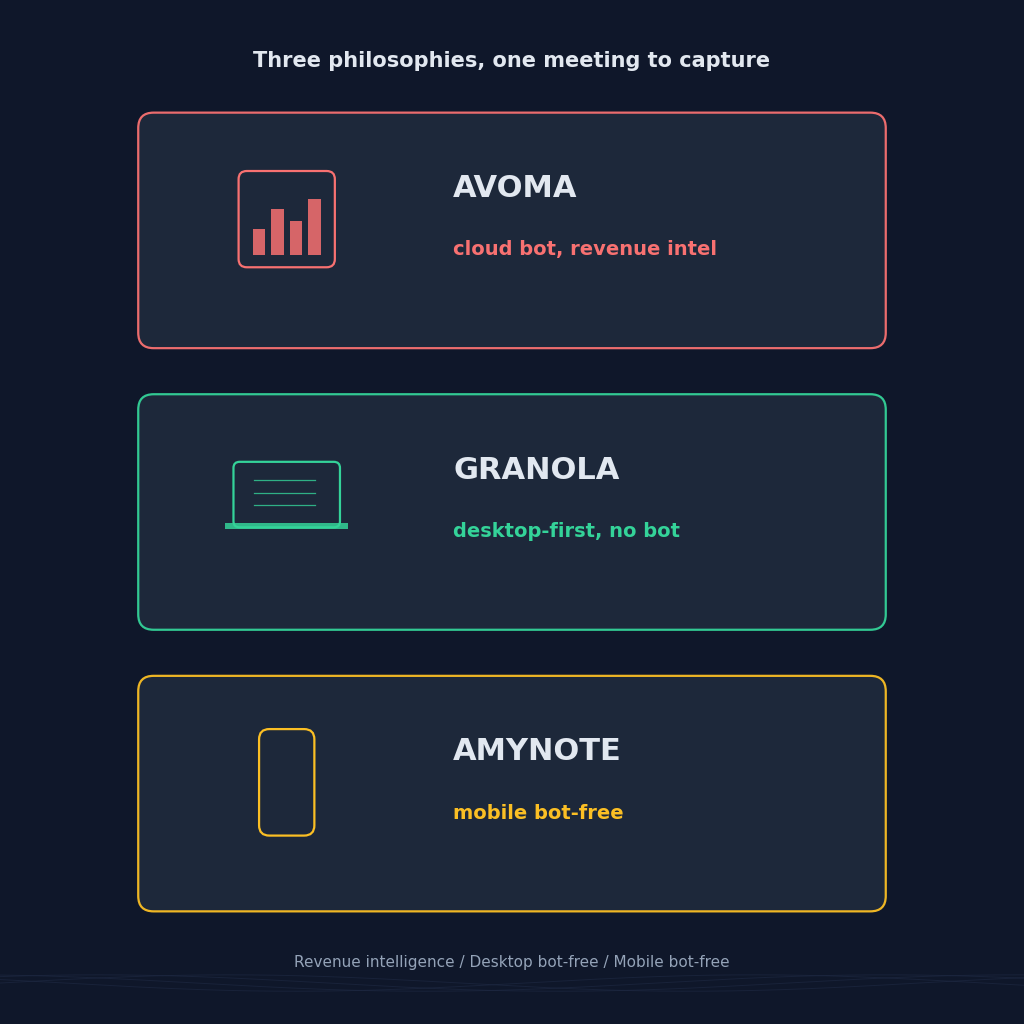
Avoma sends a named bot into Zoom, Meet, or Teams as a visible participant, then serves everything back through a web app with CRM autosave, dialer integration, and scorecards. Granola runs a Mac or Windows desktop app that captures system audio at the OS level, so nothing extra shows up in the participant list; a new iOS companion records in-person conversations and phone calls. AmyNote captures through the phone microphone in an iOS or Android app, keeps files local by default, and only sends audio to OpenAI's Speech API for transcription and to Anthropic's Claude Opus for analysis.
Avoma: Strengths and Weaknesses
Strengths
Avoma is the most feature-dense of the three. The AI Meeting Assistant handles recording, transcription, summaries, and action items across Zoom, Meet, Teams, and dialers, with automatic CRM autosave to Salesforce and HubSpot and a built-in scheduler that solves round-robin booking without a third-party tool. Add the Conversation Intelligence and Revenue Intelligence modules and you get call scoring, topic trackers, deal risk flags, forecasting inputs, and coaching workflows aimed at revenue teams. Enterprise adds SSO, HIPAA, data retention policies, team-specific access controls, and concierge onboarding. G2 puts it at 4.6 out of 5 across roughly 1,352 reviews as of mid-2026, which is a genuinely strong social proof number in this category.
For a revenue leader who wants one invoice covering pipeline visibility, coaching, and forecasting, Avoma is the most consolidated buy in this comparison. The scorecards (MEDDIC, SPICED) come pre-built. Deal-risk flags surface without a manager pulling reports. And Enterprise's compliance ceiling is real: HIPAA plus SOC2 plus SSO puts Avoma in categories the other two do not compete in.
Weaknesses
The visible bot changes how sensitive conversations feel and blocks in-person or hallway capture entirely. Recording reliability is the top G2 complaint: the notetaker sometimes fails to join, joins late, or drops mid-call, and there is no local fallback. Transcription accuracy sits around 90-95% on clean audio but drops to 60-80% with background noise or crosstalk on customer calls. Pricing is where sticker shock hits: Startup is USD 19 per seat annual, Organization USD 29, Enterprise USD 39, but Conversation Intelligence and Revenue Intelligence are USD 29 each per recorder seat on top. A mid-market sales team using the full platform lands around USD 87 per seat per month, and non-sales users on the team still pay for features they will never use.
Granola: Strengths and Weaknesses
Strengths
Granola turned the AI notetaker back into a notepad. Open the Mac or Windows desktop app, jot rough bullets during your call, and Granola listens to system audio in the background and rewrites your notes into a structured summary at the end. No bot joins the meeting, so the participant list stays clean and prospects never see a "Granola Notetaker" tile appear. Business at USD 14 per user per month unlocks unlimited searchable history, advanced AI models, and integrations with Slack, Notion, HubSpot, Attio, Affinity, and Zapier. Enterprise at USD 35 adds SSO, security controls, and opt-out of model training. Free is generous for a solo user who does not mind a 30-day rolling history.
A new iOS companion app launched in 2026 handles in-person meetings and phone-call transcription, with instant sync back to the desktop library. That closes some of the desktop-only gap for people who take a meeting at their laptop in the morning and then walk into a client site in the afternoon.
Weaknesses
Granola is desktop-first. The bot-free capture depends on system-audio access, which only the Mac or Windows app provides; the iOS companion covers phones and in-person, but there is no Android app as of mid-2026, no web app, and no phone-only workflow. Free is capped at 30-day history, which the free tier of Fathom and tl;dv do not enforce. Transcripts still ship to the cloud for AI processing; model-training opt-out is Enterprise-only, which is a real posture difference from a contractual zero-training floor. Integrations are strong for a startup but narrower than Avoma's CRM plus dialer stack.
AmyNote: Strengths and Weaknesses
Strengths
Bot-free is the default because there is no bot. The mobile app records anything within earshot: a Zoom on speakerphone, a hallway conversation, a client visit, a lecture, a phone call. Transcription runs through OpenAI's Speech API, and analysis runs through Anthropic's Claude Opus, both under contractual zero-training terms on submitted content. Audio is encrypted in transit and not retained on provider servers after processing. Transcripts live on the user's device with end-to-end encryption at rest.
Cross-session Speaker ID remembers voices across meetings, so a client heard three times last quarter is still labeled correctly on the fourth call — most competitors reset speaker labels every session. 120+ languages with real-time translation edges both competitors: Avoma covers 70+, Granola is strongest on English. Pricing is a single tier after the trial, no add-ons, no minute caps, no seat math. A solo practitioner and a five-person team pay the same per user.
Weaknesses
No desktop app. If your meetings live inside Zoom on a laptop with the phone in another room, AmyNote is not the right fit. No CRM sync. If your team lives in Salesforce or HubSpot, Avoma or Granola Business are stronger by a meaningful margin. No video recording, a real gap versus Avoma's full call playback. No team or enterprise features yet: no SSO, no admin console, no shared workspace analytics. The brand is smaller than either of the other two, which matters for procurement teams that require vendor questionnaires.
Side-by-Side Comparison
| Dimension | Avoma | Granola | AmyNote |
|---|---|---|---|
| Bot in the meeting | Yes, visible | No (desktop OS audio) | No |
| Where audio lives | Avoma cloud | Cloud with local capture | On device |
| Training on user data (default) | Opt-out | Opt-out on Enterprise only | Contractual zero from OpenAI & Anthropic |
| Free tier reality | Trial only | Free, 30-day history | 3-day trial, no card |
| Starting paid price | USD 19/seat annual + USD 29 CI + USD 29 RI | USD 14/user monthly | Single flat tier |
| Real loaded cost | ~USD 87/seat with CI + RI | USD 14 flat | Flat |
| Language coverage | 70+, limited translation | Strong English focus | 120+ with real-time translation |
| In-person capture | Not native | Via new iOS companion | Native, primary use case |
| CRM autosave | Yes (Salesforce, HubSpot) | Via Business integrations | No |
| Compliance ceiling | SOC2, GDPR, HIPAA, SSO on Enterprise | SOC2 with Enterprise controls | Local-first, zero-training contract |
How To Pick
Map a normal week. Count the scheduled Zoom, Meet, and Teams calls with a calendar invite. Count the phone calls and in-person conversations where a bot cannot be. Count how many of those conversations feed a pipeline forecast versus how many are internal syncs where a bot in the room is overkill. That breakdown picks the tool.
If the answer is dominated by scheduled video calls that must roll up to Salesforce with call scoring on top, Avoma at ~USD 87 all-in is the most consolidated buy: transcript, coaching, and revenue intelligence on one invoice. If the answer is scheduled video calls at a laptop and the buyer wants a clean, bot-free notepad experience with unlimited history at a flat USD 14, Granola is the pick, especially for a Mac or Windows shop with iPhones in pockets. If the meetings that matter live off-video — a founder call over the phone, a technician walking a customer through a warehouse, an in-person QBR where the prospect declines a recording bot, or a session in a language the cloud tools do not cover well — AmyNote is the tool built for those.
The Bottom Line
Avoma wins if you run a sales org, need CRM autosave and scorecards, and the bot in the call is a fair trade for pipeline visibility. Granola wins if you want a clean, bot-free notepad beside your video window, unlimited history at USD 14, and you live on Mac or Windows with an iPhone in your pocket. AmyNote wins if your meetings are mobile and often in-person, you want an app that works on Android as well as iOS, and you would rather trust a contractual privacy floor than an opt-out toggle.
None of the three is the wrong answer. They just answer different questions. If most of your day happens with a phone in your pocket, AmyNote is the shortest path from spoken word to a searchable, private transcript. Try it free for three days at amynote.app, no credit card required.
Originally published as an X Article.